
UPS SYSTEM
A UPS battery is a key component of an uninterruptible power supply system. UPS batteries provide the backup power to the UPS in the event of a power outage or other power disruption, ensuring that critical equipment and systems can stay online and operational. Battery backups typically have a smaller power capacity compared to UPS systems. They are designed to provide limited power for a short duration, usually enough to save work and shut down devices properly.
How to install an UPS battery?
Installing a lower capacity (less than 72VDC) prepackaged battery is a relatively simple process, but it is important to follow the manufacturer's instructions to ensure that the replacement is done safely and correctly.
Battery replacement on 3-phase UPS and higher capacity single-phase UPS (5kVA or above) should only be done by a certified technician. Consult your UPS manufacturer for guidance.
Some manufacturers permit "hot swap" battery replacement while the UPS system is powered. Consult your UPS system's owner's manual for guidance.

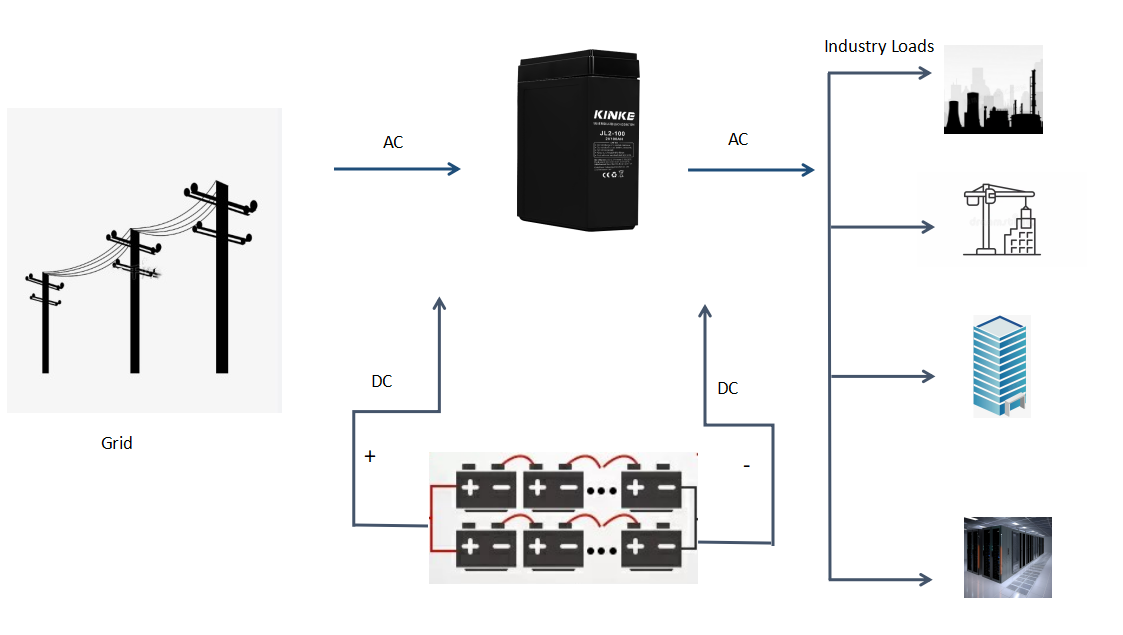
Here are some general steps to replace a UPS battery.
1、Power off the UPS
Before replacing the battery, power off the UPS and unplug it from the wall outlet. If you have a "hot-swap" UPS, you do not need to power down the UPS. 2、Access the battery compartment
Open the battery compartment on the UPS. Depending on the model, this may require removing screws or clips.
3、Document the Battery Wiring
If possible, take a photograph of the existing battery connections before disconnecting any cables.
4、Disconnect the old battery
Carefully disconnect the old battery from the UPS by unplugging the battery cables from the battery terminals.
5、Remove the old battery
Carefully remove the old battery from the battery compartment. Be sure to handle the battery safely to prevent damage or leakage. If the old battery has leaked, contact the UPS manufacturer for guidance.
6、Install the new battery
Carefully insert the new battery into the battery compartment, ensuring that it is properly seated.
7、Connect the new battery
Connect the battery cables to the new battery terminals, ensuring that the connections are tight.
8、Close the battery compartment
Close the battery compartment and secure it in place using screws or clips.
9、Power on the UPS
After the battery is replaced, power on the UPS and allow it to charge the new battery.
By following these general steps and the original UPS system manufacturer’s instructions, you can replace your UPS battery safely and correctly.
UPS System Battery - JLG Series
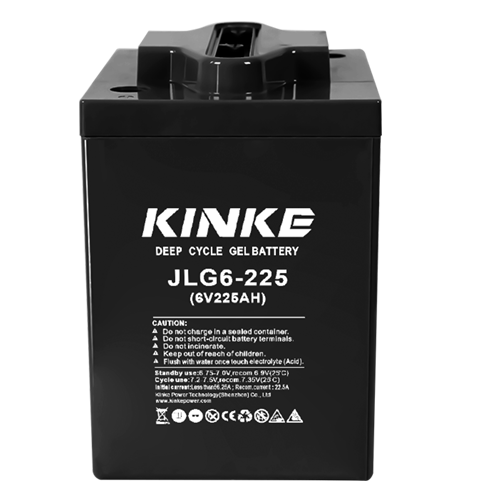
6volt 225ah Battery
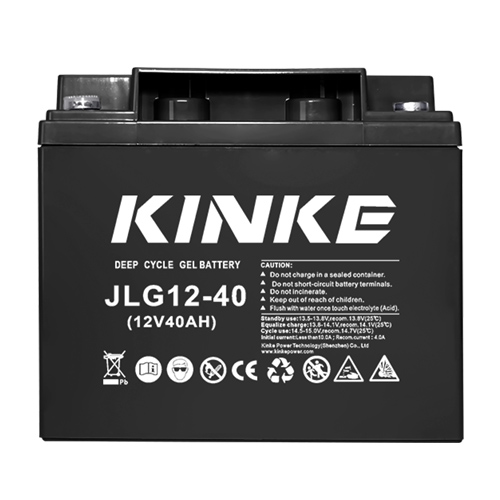
12volt 40ah Battery
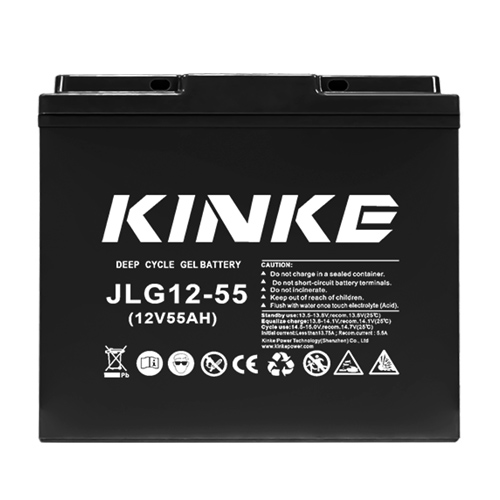
12volt 55ah Battery
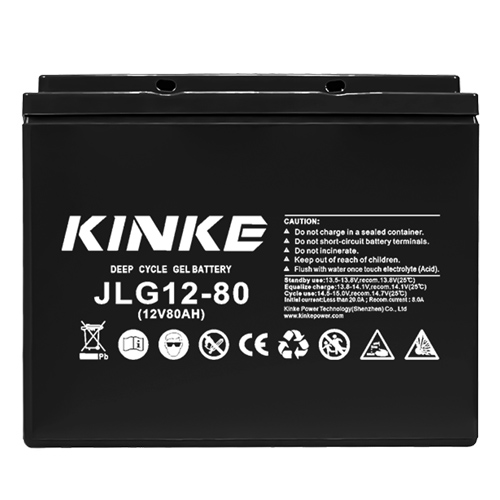
12volt 80ah Battery
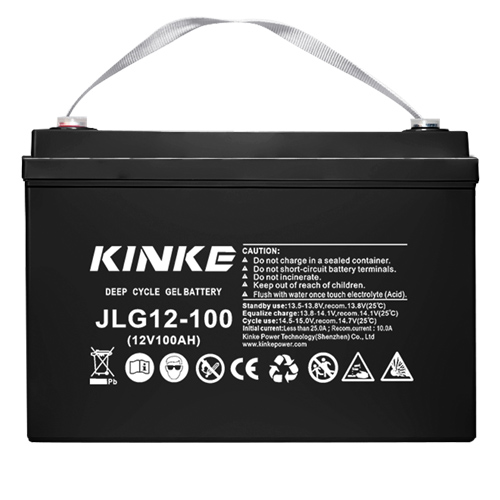
12volt 100ah Battery
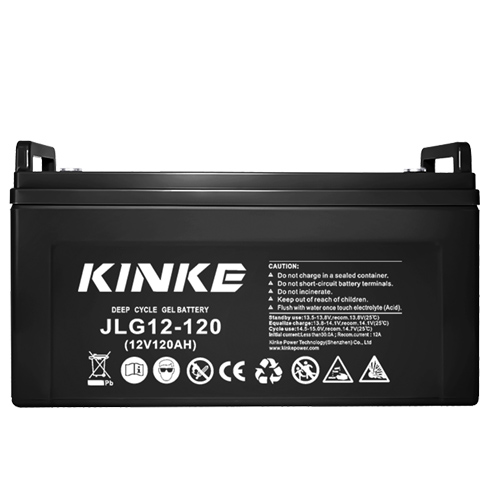
12volt 120ah Battery
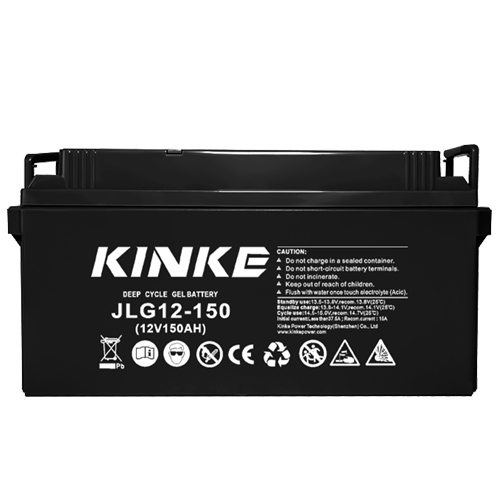
12volt 150ah Battery

12volt 200ah Battery